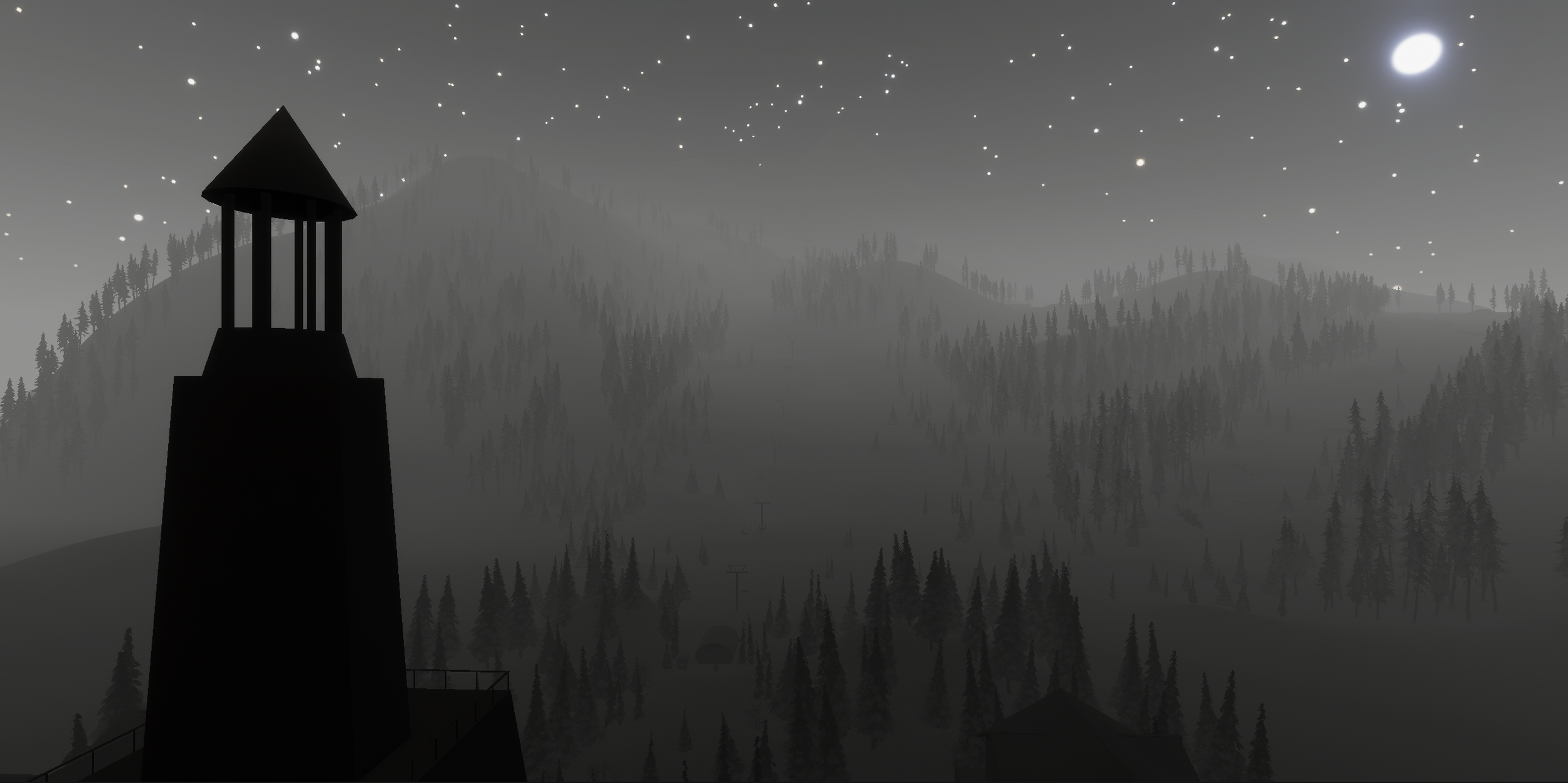


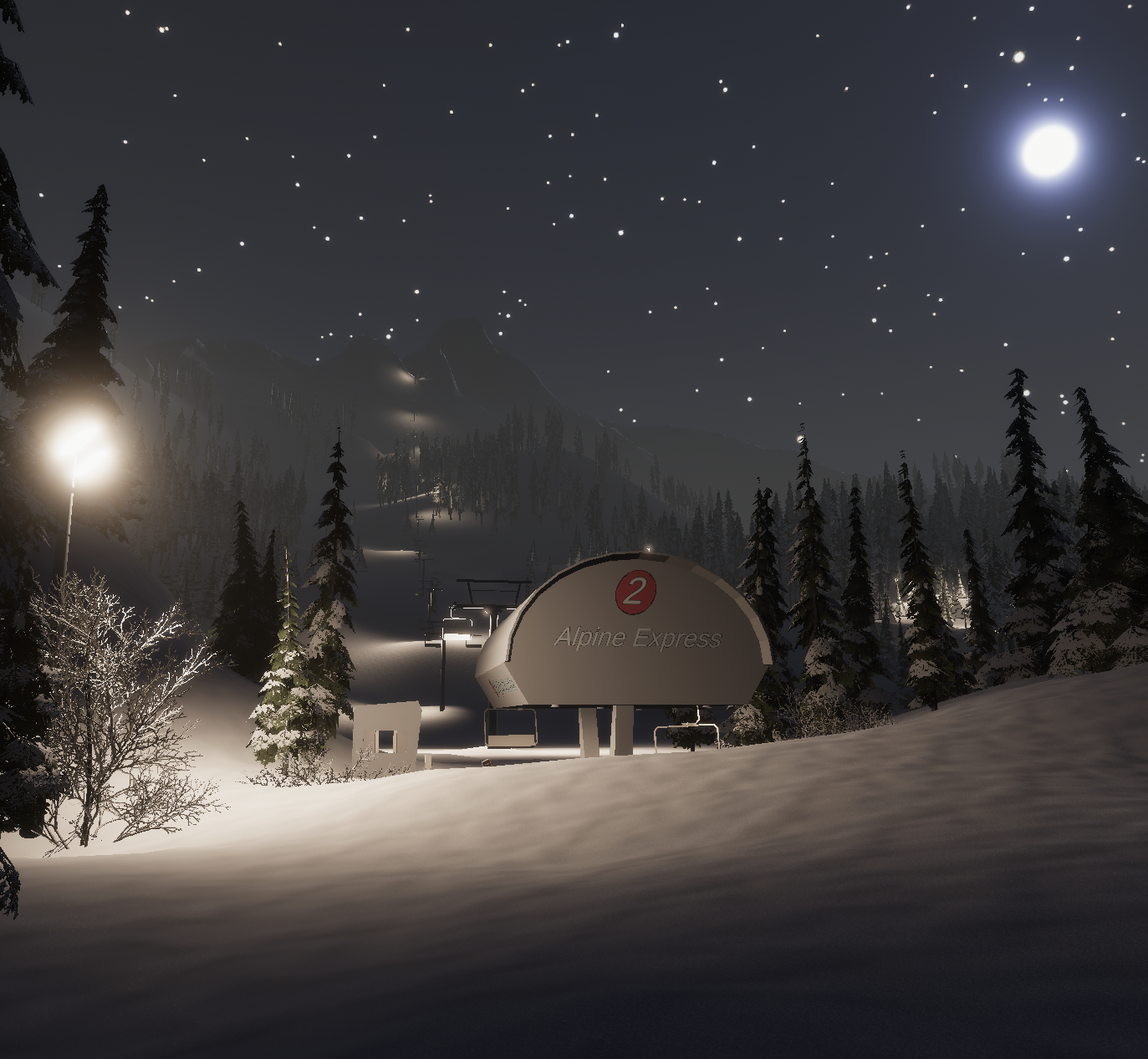
Apres Ski is a first-person night skiing nightmare set in an abandoned ski resort, frozen in time. Legions of enemy Shadows will test your reflexes as you carve through Pharos Ridge, while a variety of puzzles and brainteasers award potent equipment upgrades and formidable attachments to those brave enough to explore the resort’s crumbling depths.
♦♦
DANGER: Experts Only
PC Download instructions
(Google Docs version with images)
When downloading the zip, you may get a few warning messages due to the zip size (512MB), you can safely ignore these and proceed with the download
Unzip the download wherever you’d like
Open the ApresSki-pc folder and double click the Apres Ski executable to launch the game
Immersive yourself in the horror and exhilaration of Apres Ski!
mac Download instructions
(Google Docs version with images)
For Mac, we need to grant executable permissions to the zip in order to tell the OS that it’s ok to run this unverified application:
When downloading the zip, you may get a few warning messages due to the zip size (512MB), you can safely ignore these and proceed with the download
Unzip the download wherever you’d like
Open a Terminal
In the terminal, change the directory to the location of the download (for example, if the download is in your Downloads folder, type cd Downloads and hit Enter)
Now give the download executable permissions by entering the command: chmod +x ApresSki-mac.app/Contents/MacOS/*
Go back to your Downloads folder (or wherever you unzipped the download) and attempt to open the ApresSki-mac.app file, you should get a dialog that says “Apple could not verify ‘ApresSki-mac’…”
Click Done
Open System Settings
Click the Privacy & Security tab
Scroll down to the Security section, you should see a message that says “ApresSki-mac was blocked to protect your Mac”
Click Open Anyway and you should get another dialog that again states “Apple is not able to verify…”
Click Open Anyway and you should get a FINAL dialog that asks you for your username password
Submit this dialog with the Ok button and immersive yourself in the horror and exhilaration of Apres Ski!
Michael James Dreyer
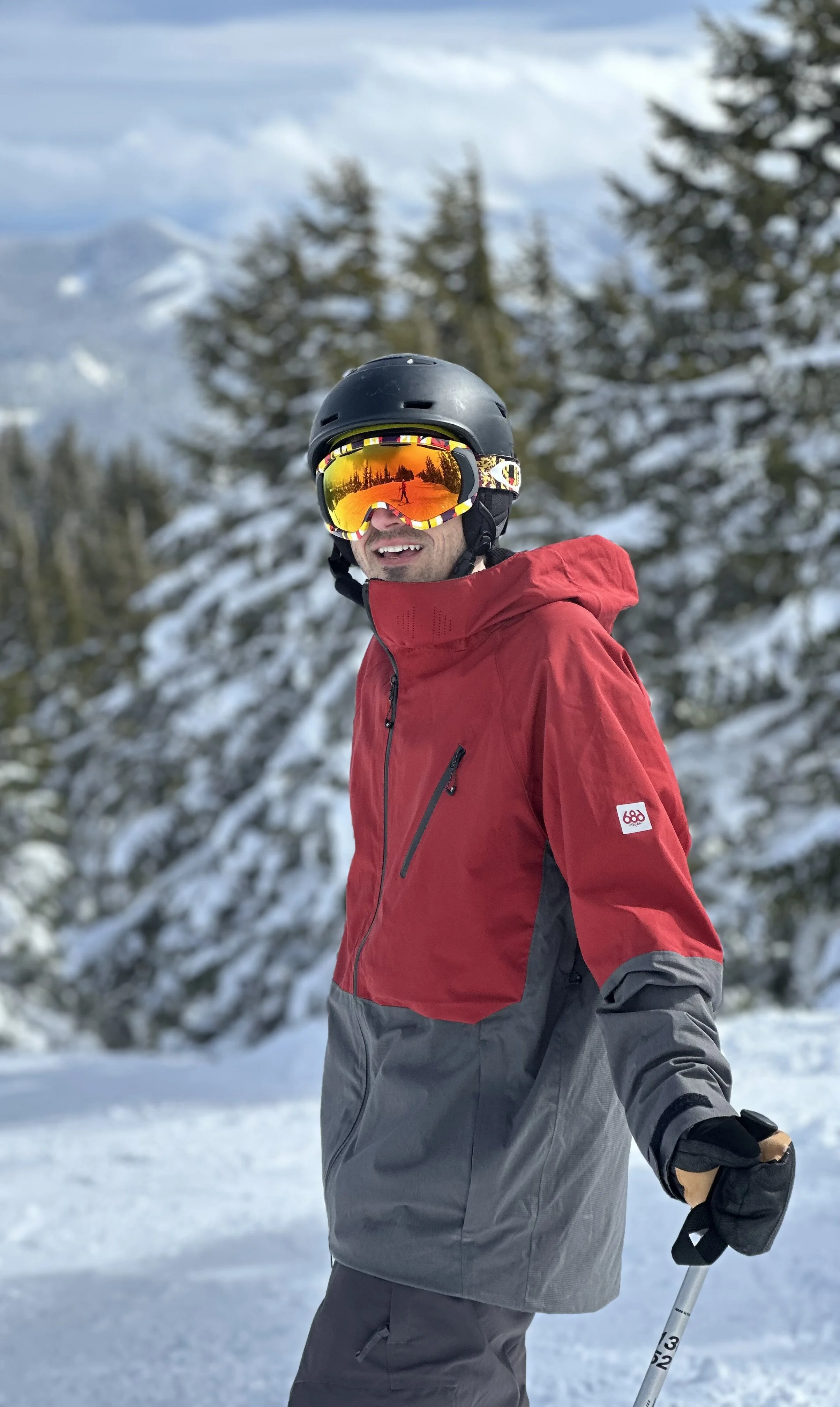
If there’s anything 15 years of professional web development has taught me it’s that technologies come and go, but what gets built lasts forever. In building web apps for the military, the employment industry, sales and marketing, and cybersecurity, my work has propelled the ever constant march of what people can do with technology, but more importantly it has provided stepping stones for others to build from a significantly stronger position. So at this point in my career I find myself asking “what do I really want to build” - and the answer is what it always has been: games.
Everything I’ve ever built has been driven by games. It is this passion that carried me through my Computer Science courses and became the sole contributor to my professional success. Now it’s time to bring my expertise to the game industry, an expertise that has been carefully shaped by developing and deploying secure applications to the web in a multitude of languages with a variety of technologies. In addition, my personal Unity projects have pushed my competence beyond web development, giving me a unique toolset to draw from as I approach the challenges that my team will face. There are no limits to what my technology-agnostic passion can achieve.